
CLion
An in-depth editorial review of CLion, the powerful cross-platform IDE for C and C++ development. Discover its smart features, refactoring tools, and more.
While many text editors claim to support native development, the CLion C and C++ IDE stands out by deeply understanding your codebase from the ground up, rather than just highlighting syntax.
What Makes the CLion C and C++ IDE Different?
Unlike basic editors that require endless configuration, this integrated development environment is built specifically to handle the complexities of modern native development. Developed by JetBrains s.r.o., it acts as an intelligent assistant that monitors your code in real-time, catching errors before you compile and offering contextual suggestions that actually make sense for your project structure.
Key Features for Native Developers
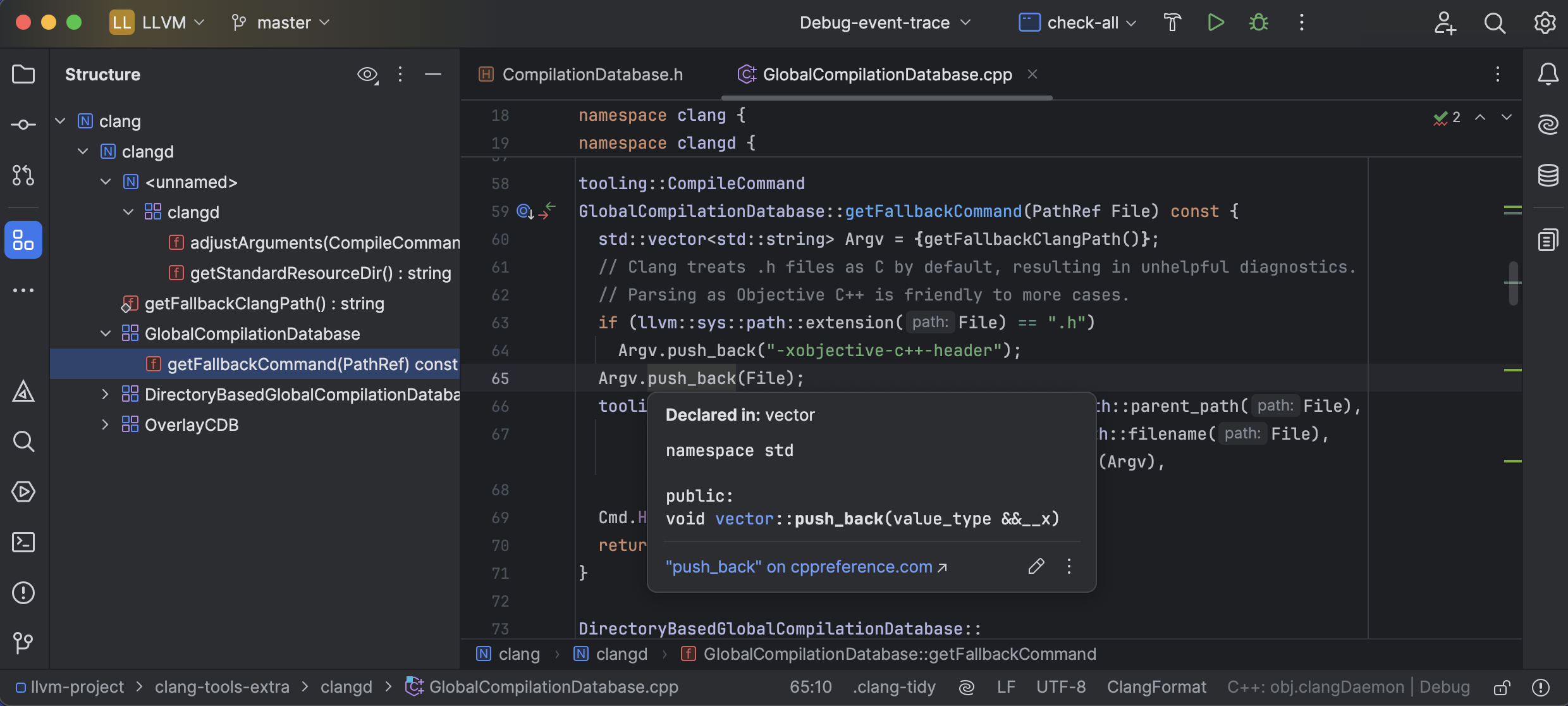
- Smart Code Completion: Navigate complex codebases effortlessly with instant, relevant auto-completion and deep search capabilities.
- Advanced Refactoring: Safely rename variables, change signatures, and restructure your project with reliable, automated refactoring tools.
- Integrated Debugging & Analysis: Investigate runtime issues quickly using a built-in debugger and dynamic analysis tools designed to pinpoint bottlenecks.
- Built-in Unit Testing: Write and run tests seamlessly with out-of-the-box support for popular frameworks like Google Test, Boost.Test, and Catch.
- Multi-Language Versatility: While optimized as a C and C++ IDE, it also provides robust support for Kotlin/Native, Rust, Swift, CMake, Python, and web technologies.
An Unofficial Flatpak Sandbox Note
For Linux users installing via Flatpak, please note that this package is an unofficial wrapper and is not directly affiliated with or supported by JetBrains s.r.o. Because of the inherent security limitations of the Flatpak sandbox environment, certain system-level use cases or custom compiler paths may require additional manual configuration to function correctly.
Is This the Right IDE for Your Workflow?
If you are tired of juggling multiple plugins just to get a stable C++ environment running, this IDE offers a cohesive, professional alternative. It is highly suited for developers working on cross-platform engineering, embedded systems, or large-scale desktop applications where code safety and refactoring precision are paramount.
To experience this powerful environment firsthand, you can explore the official evaluation options and licensing models by visiting the official store page on Flathub.