Clock
An in-depth review of the Clock time management app by KDE. Explore its world clock, stopwatch, and automated alarms designed for seamless desktop integration.
Managing your daily schedule requires a dependable utility, and the Clock time management app by KDE delivers precisely that for Linux users. Instead of cluttering your workspace with physical timers or relying on basic system trays, this application provides a centralized hub to track global hours, configure wake-up routines, and monitor precise intervals. Whether you are coordinating with international colleagues or timing your focus sessions, it offers a clean, distraction-free environment to keep you on schedule.
Core Functions of the Clock Time Management App
This software is built around four essential pillars of timekeeping. Each tool is designed to be highly responsive and integrated directly into your system environment:
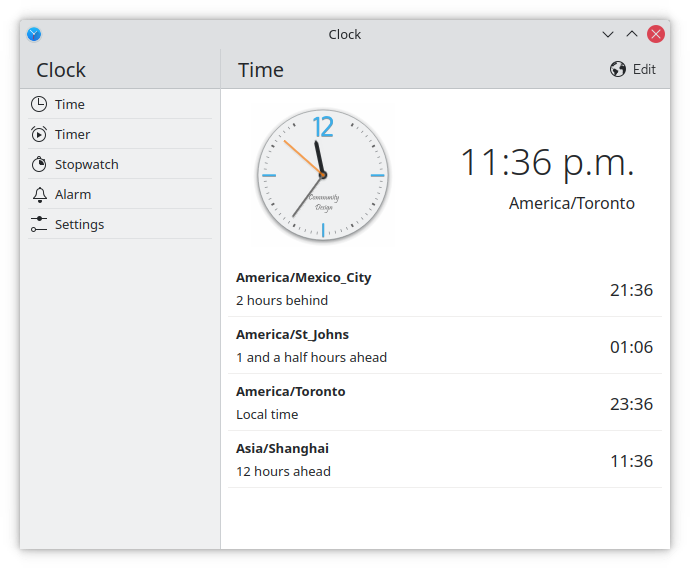
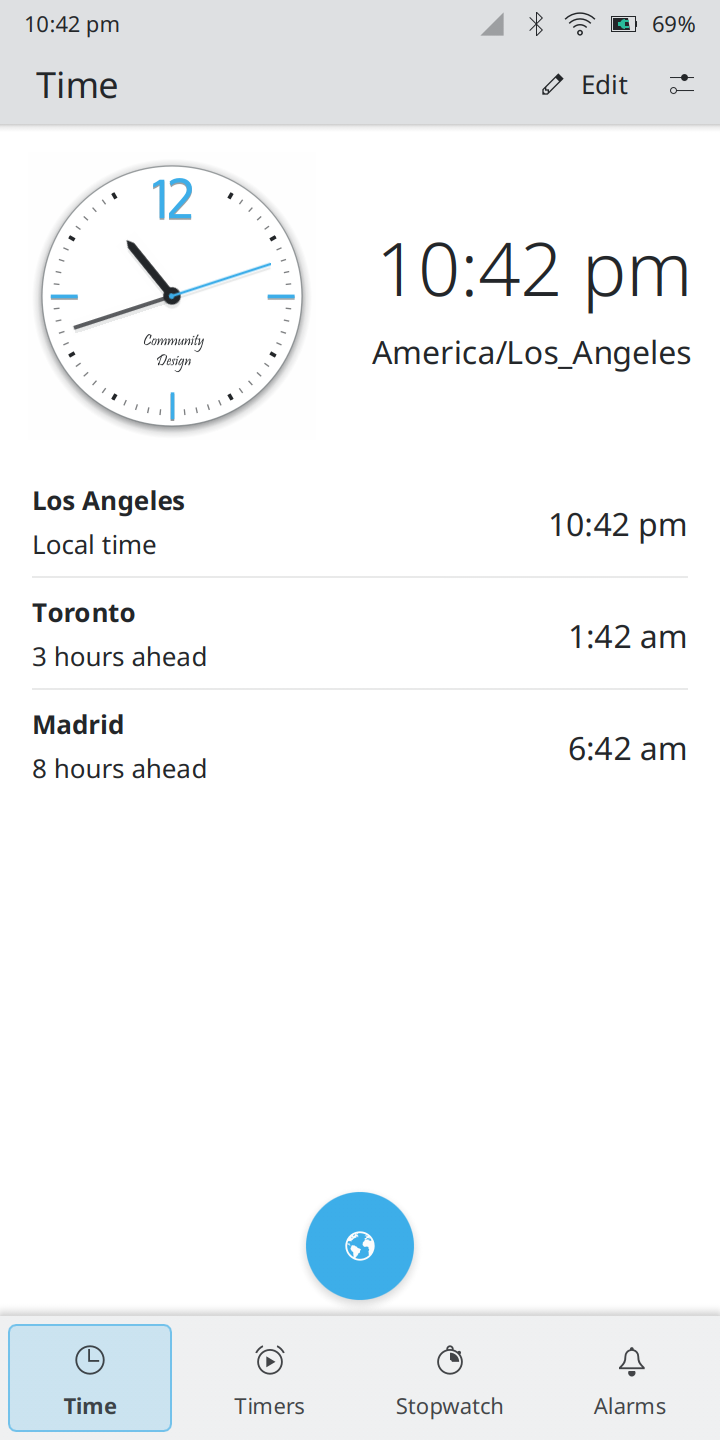
- Multi-Location World Clock: Easily track different time zones side-by-side. It is perfect for remote professionals who need to coordinate meetings across continents without calculating offsets manually.
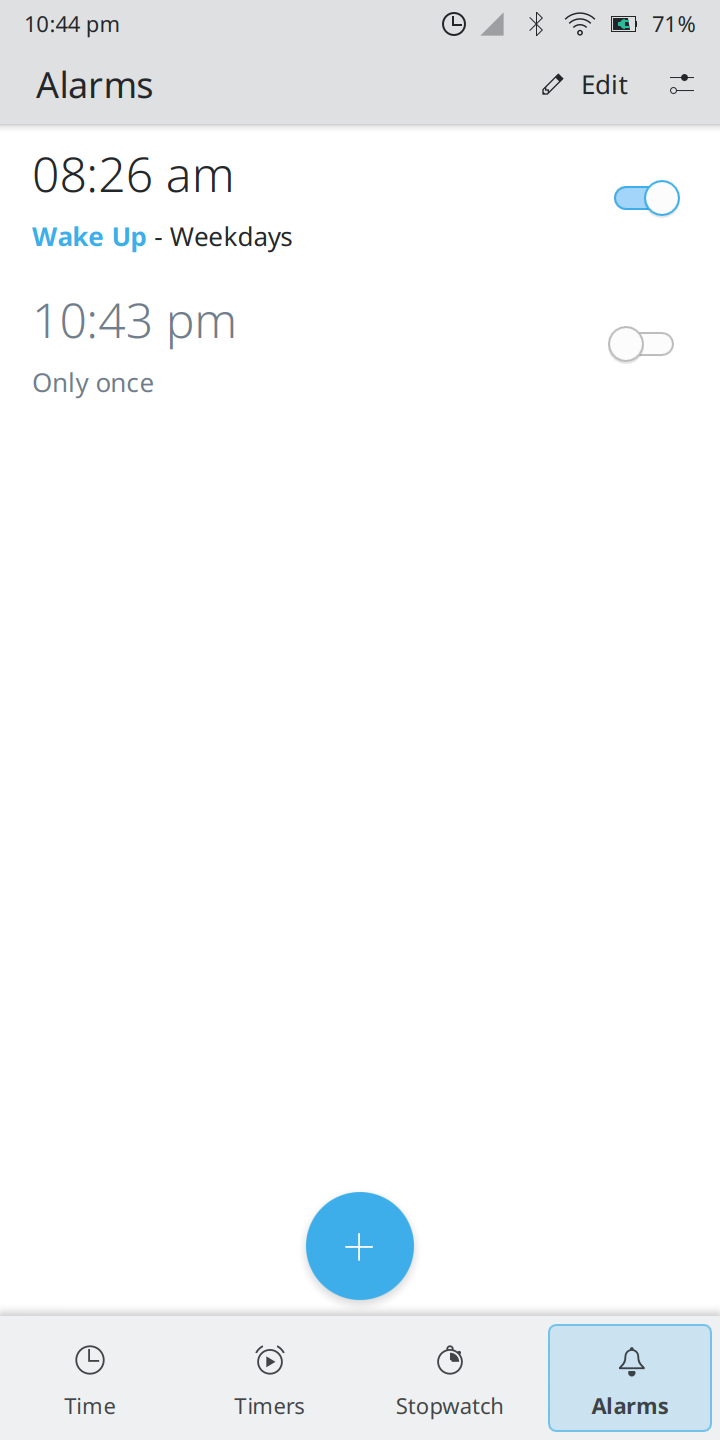
- Reliable Alarms: Set multiple repeating or one-time alerts. On the Plasma desktop environment, these alarms possess the unique ability to wake your device from suspend, ensuring you never miss an early appointment.
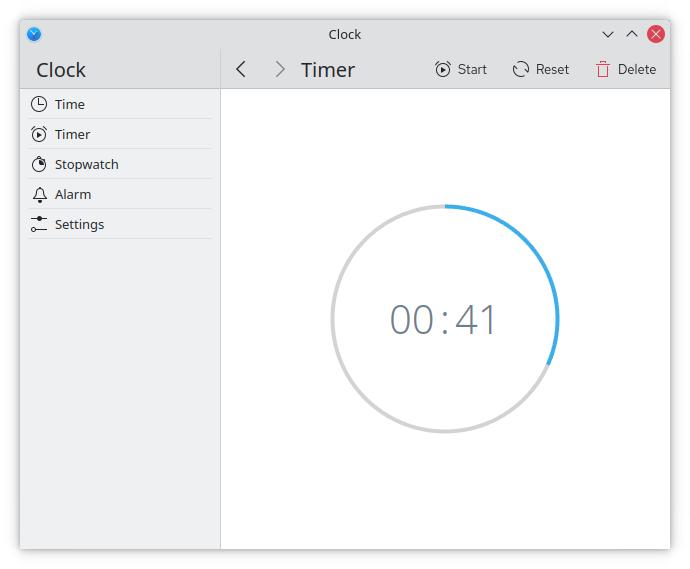
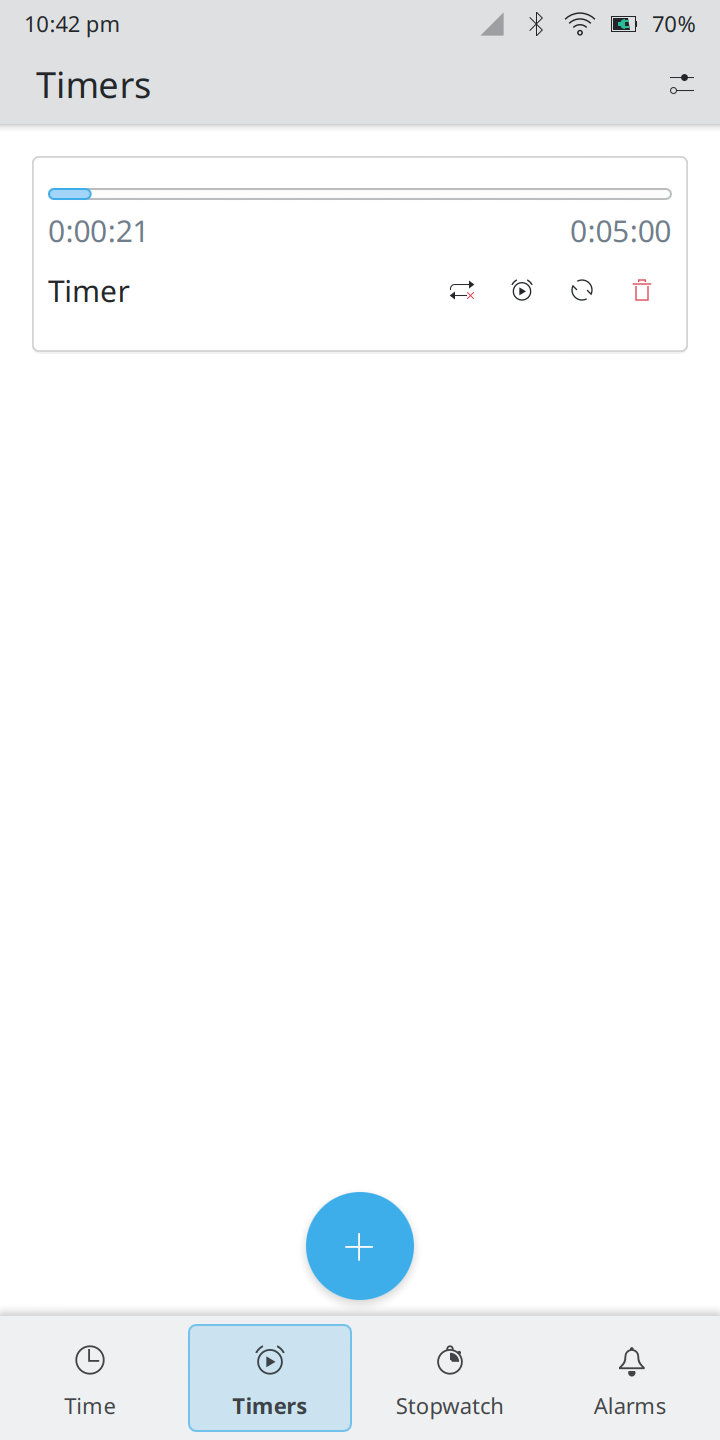
- Flexible Timers: Configure precise countdowns for tasks, cooking, or study blocks. The countdown system runs reliably in the background while you focus on your work.
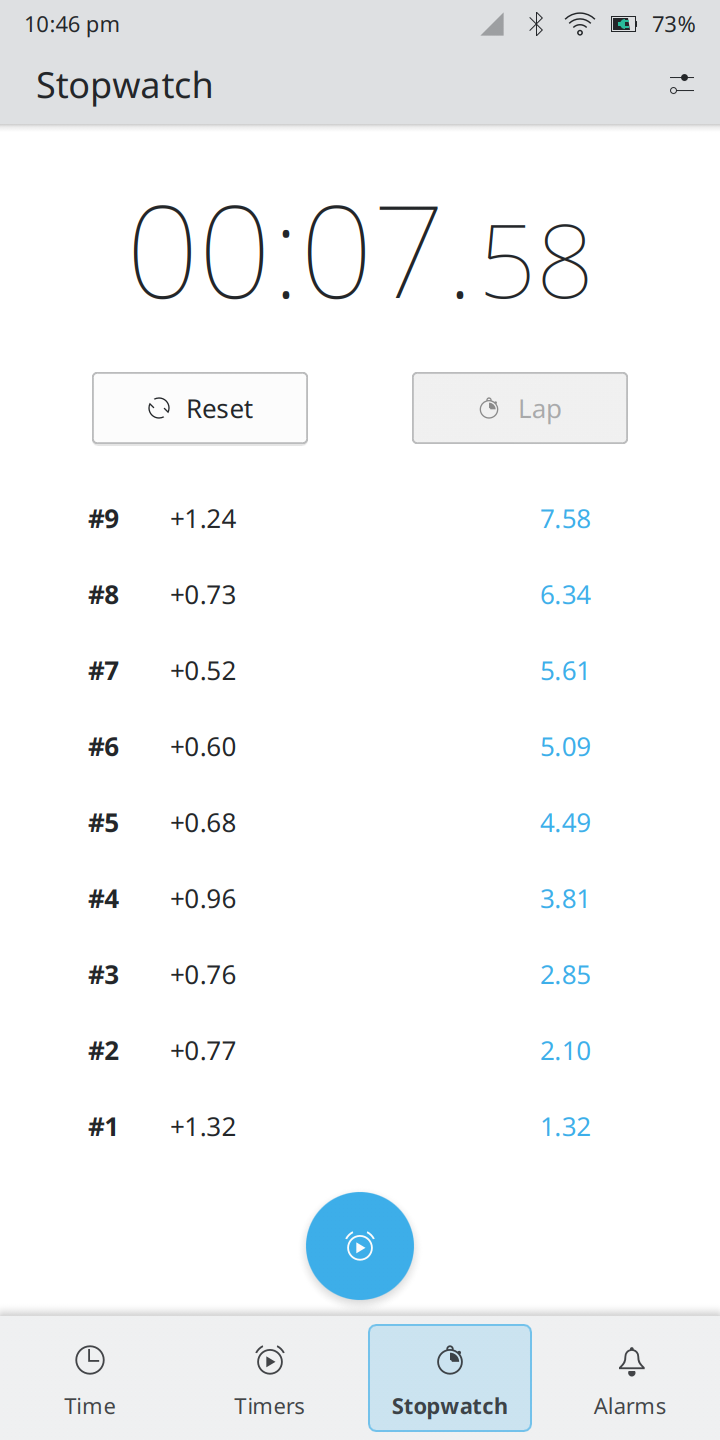
- Integrated Stopwatch: Track lap times or project durations with a simple, responsive interface that records intervals accurately.
Who Is This Application For?
The Clock time management app is ideal for Linux enthusiasts, remote workers, and productivity minimalists who value native performance over resource-heavy web tools. Because it integrates deeply with the KDE ecosystem (while remaining fully functional on other desktop setups), it offers a cohesive experience that feels like a natural extension of your operating system. The power-saving integration—allowing timers to function even when your machine is in a suspended state—makes it incredibly practical for hardware-conscious users.
A Clean, Unobtrusive Interface
Unlike mobile-first ports that feel awkward on a monitor, this application adapts beautifully to different screen sizes. The layout scales from compact mobile screens to expansive desktop monitors without losing usability. Navigating between the stopwatch, world clock, and alarm tabs requires just a single click, keeping your workflow fluid and uninterrupted.
Discover More
If you are looking for a straightforward, reliable, and native way to manage your daily schedule, this utility is an excellent choice. To explore this application further, view screenshots, or check installation details for your Linux distribution, head over to the official KDE Clock page on Flathub.