
Rnote
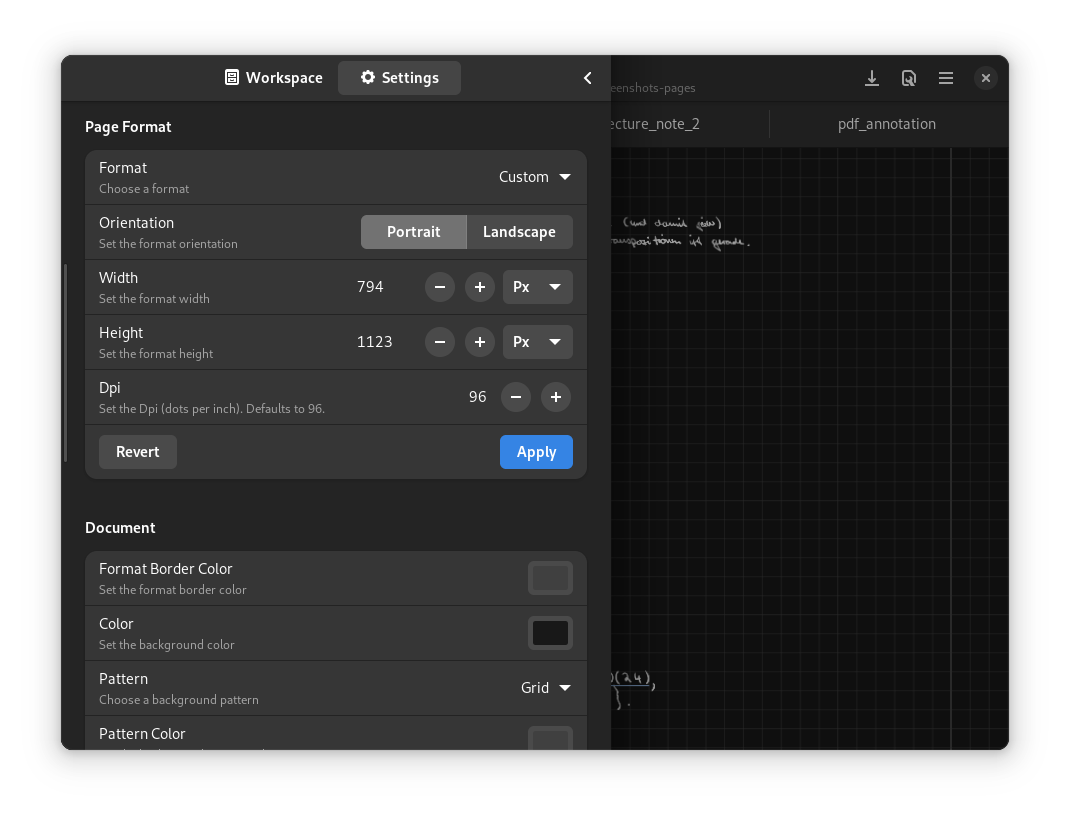
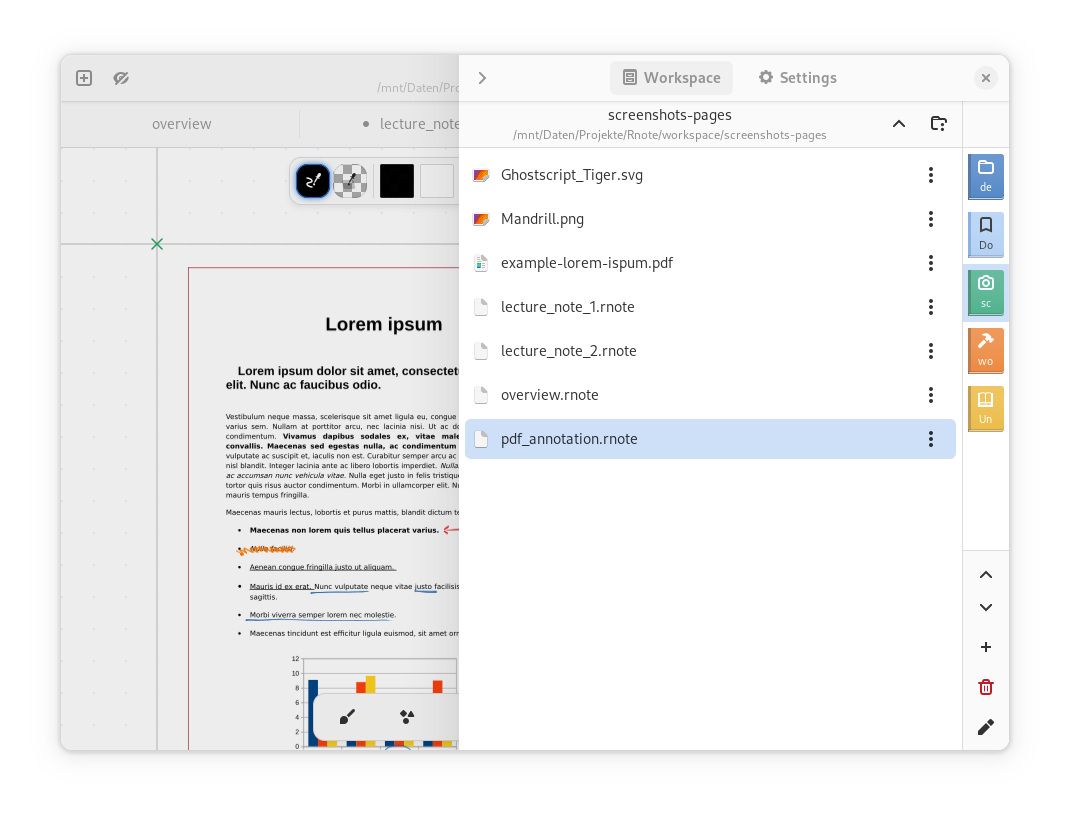
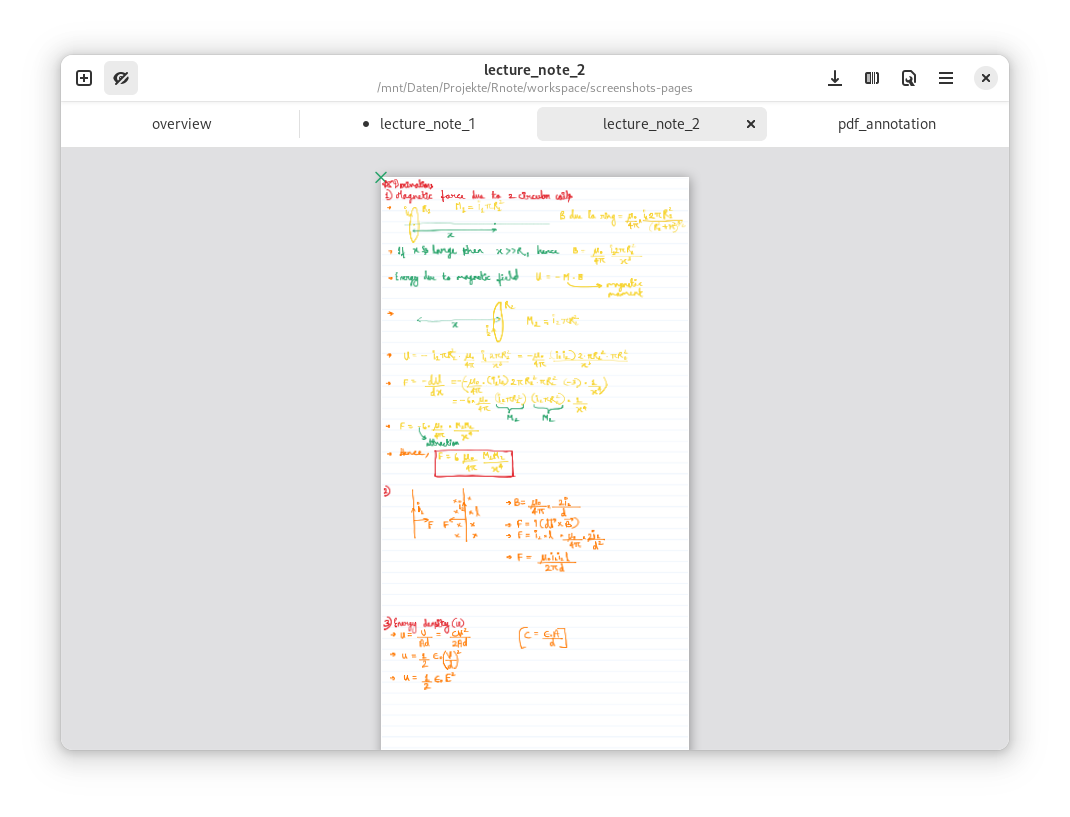
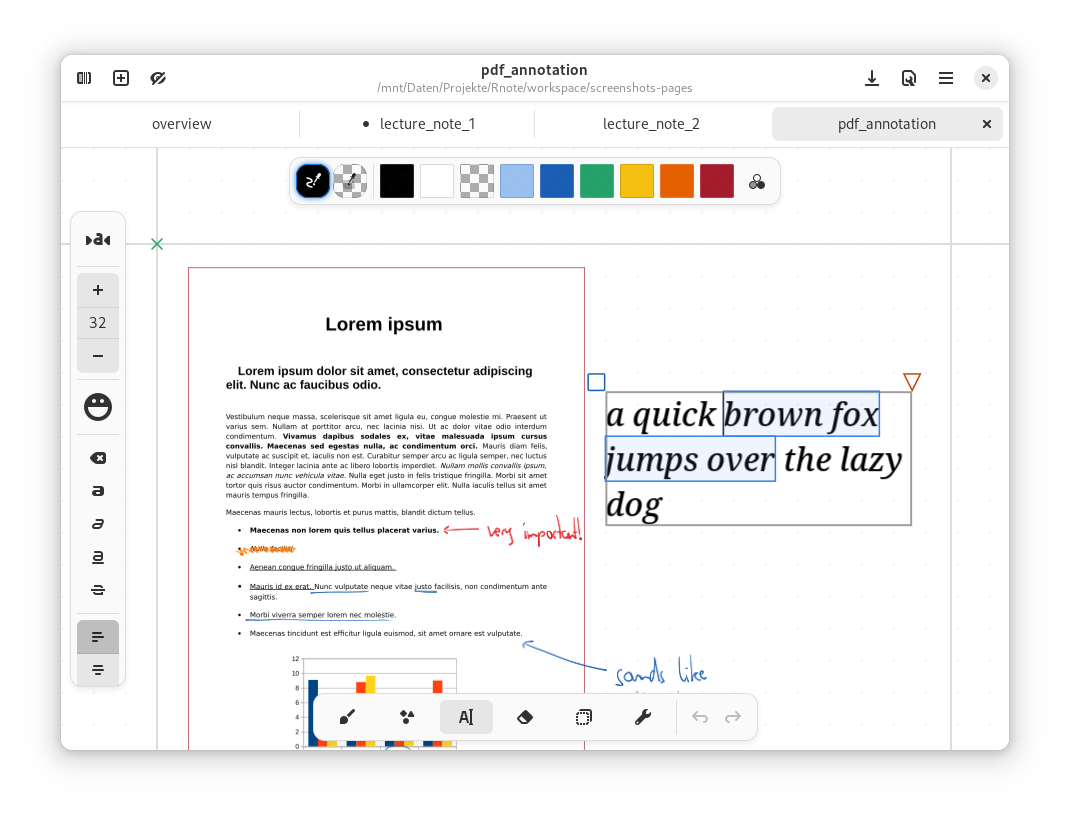
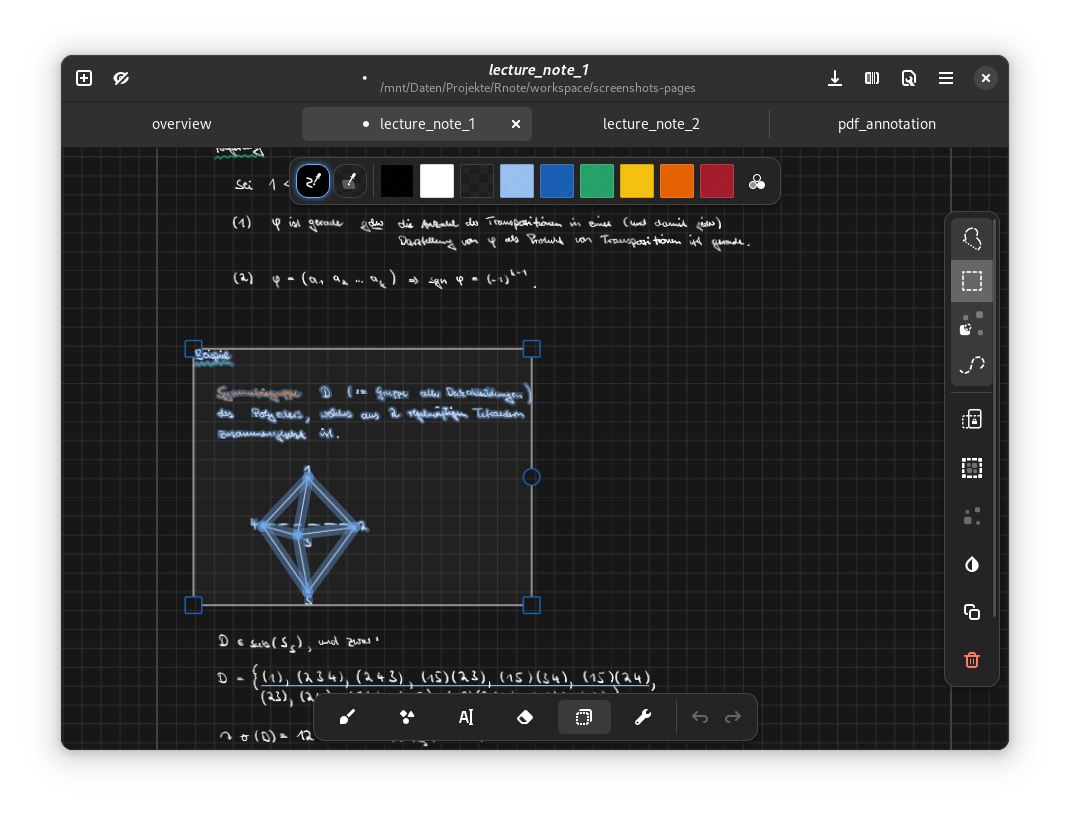
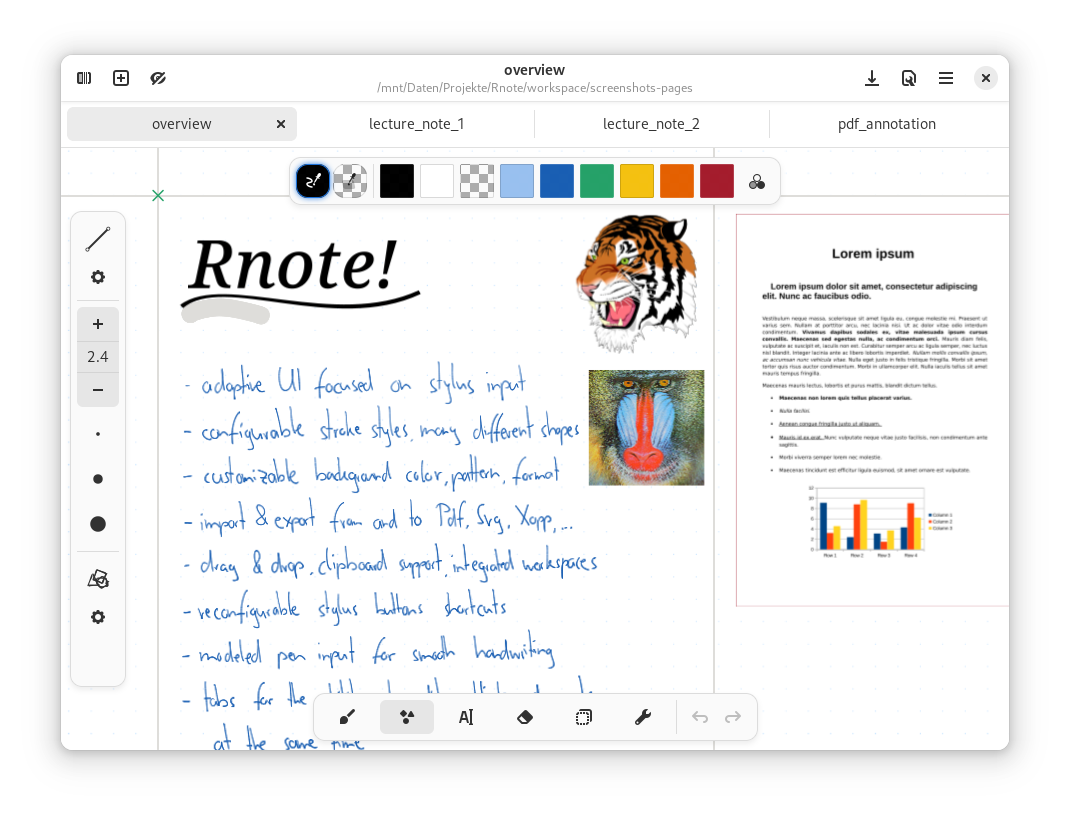
Discover Rnote, an open-source vector drawing and note-taking app for Linux. Read our full review of its features, sketching tools, and document markup.
When it comes to digital productivity on Linux, finding the right tool for freehand creativity can be a challenge. Enter Rnote vector drawing and note-taking, a specialized open-source application designed specifically for sketching, handwritten notes, and document annotation. Developed by Felix Zwettler, this design-focused utility brings a fluid, vector-based canvas to the Linux desktop, making it an excellent option for students, educators, and visual thinkers who prefer a stylus or mouse over a keyboard.
What is the Rnote Vector Drawing and Note-Taking App?
At its core, Rnote is a vector-based drawing application optimized for sketching, handwritten notes, and annotating external documents or images. Unlike raster-based paint programs, Rnote uses vector graphics, meaning your strokes, shapes, and handwritten lines remain infinitely scalable and editable without losing quality. Whether you are drawing a quick diagram, drafting a layout, or marking up a PDF, the app provides a highly responsive canvas tailored for freehand input.
Key Features of Rnote
- Infinite Vector Canvas: Sketch, write, and expand your ideas without worrying about page boundaries or pixelation.
- Document & Image Annotation: Import pictures and documents directly into the app to highlight, markup, and add handwritten notes.
- Precision Sketching Tools: Utilize built-in shape tools and grid snapping to create clean, professional diagrams.
- Designed for Linux: Built natively to integrate seamlessly with modern Linux desktop environments.
Who Benefits Most from Rnote?
The Rnote vector drawing and note-taking workflow is particularly beneficial for several key user groups:
- Students and Academics: Perfect for attending lectures, writing out complex mathematical equations, and highlighting textbook PDFs.
- Designers and Illustrators: Offers a lightweight, distraction-free environment for initial vector drafts, wireframes, and creative brainstorming sessions.
- Remote Professionals: Ideal for visual collaboration, enabling users to mark up project screenshots and present handwritten feedback clearly.
Important Development Notice
Prospective users should keep in mind that Rnote is actively evolving. The developer has noted that the native file format is still unstable. Because of this, file compatibility might change or break between different versions. If you plan to use it for critical, long-term projects, exporting your finished work to standard formats regularly is highly recommended.
Our Verdict: A Must-Try for Visual Thinkers
Rnote stands out as a highly capable, modern design tool that fills a crucial niche on the Linux platform. Its smooth vector rendering and intuitive annotation tools make it a joy to use with a drawing tablet or stylus. To experience this versatile canvas firsthand, head over to the official Flathub store page to explore Rnote and add it to your Linux creative toolkit.